
Workflow Automation for Small Businesses

A quotation request arrives at 9.15am. Someone copies the details from an email into a spreadsheet, creates a job in another system, sends an acknowledgement, and adds a reminder to chase it later.
None of those tasks is hard. But repeated dozens of times a week, these manual tasks become expensive. Workflow automation for small businesses removes that repeat admin without removing the judgement, care and personal service that customers value.
For many UK businesses, business process automation is not a grand technology project. It is a practical way to make everyday tasks in your inboxes, spreadsheets and websites more reliable. The best results come from improving one frustrating process at a time.
What workflow automation actually means for business processes
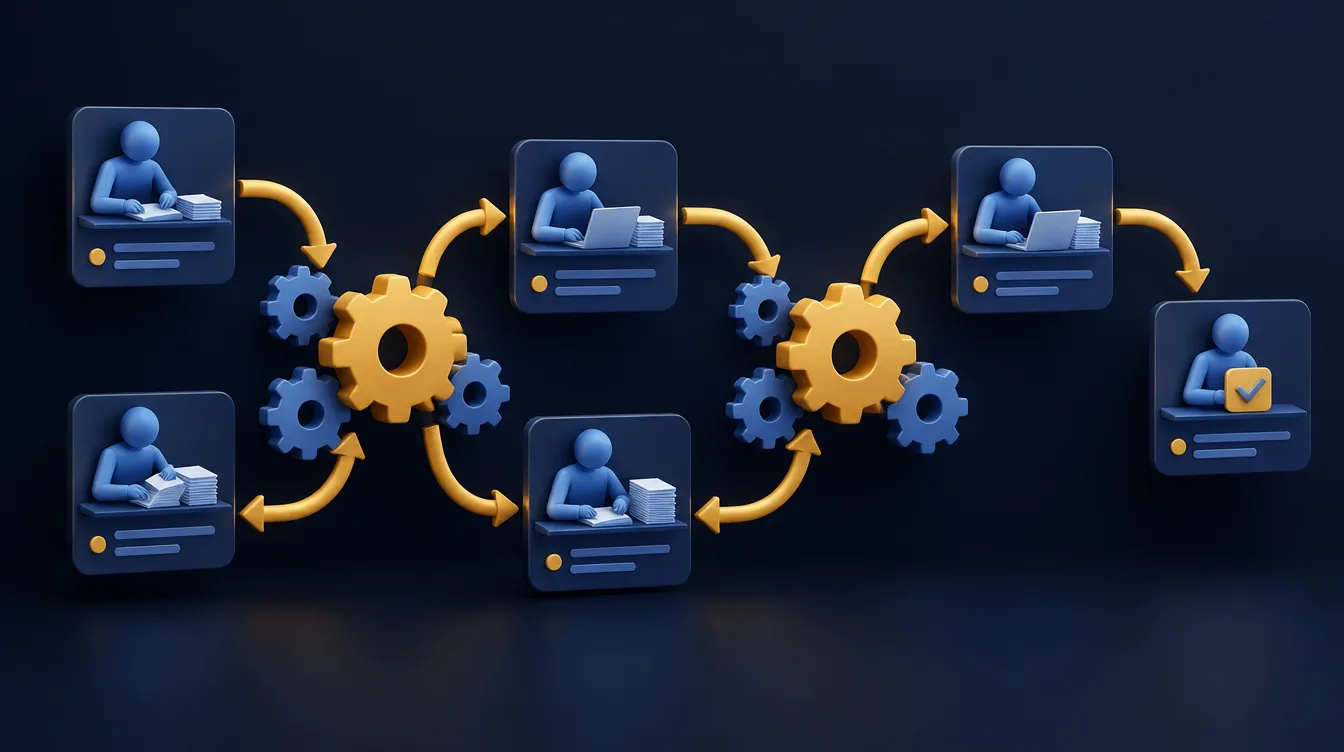
A workflow is the route a piece of work takes from beginning to end. It might be a website enquiry becoming a sales opportunity, a completed job becoming an invoice, or a new starter receiving the right documents and access.
Automation uses rules to complete predictable actions when something happens. When a prospect submits a website form, the system can create a customer record, notify the right person and send a tailored confirmation.
The team still decides whether the lead is a good fit. The system simply handles the handover the same way every time, which gives customers a consistent service.
Good automation does not replace people. It gives employees less copying, checking and chasing, so they can spend more time on decisions that need experience.

Where automation pays off for small business tasks
The strongest opportunities have a clear trigger, repeated steps and a predictable outcome. They often sit in plain sight because staff have learned to work around them.
Lead handling and business support
If enquiries from a website, email and referrals are stored in different places, response times slip and good leads are missed. An automated workflow can send every enquiry to one place, assign an owner, and flag unanswered leads after a set period.
The same idea supports customer onboarding and wider business support. A signed proposal can trigger a welcome email, create a project checklist and notify the delivery team.
Invoice processing and finance support
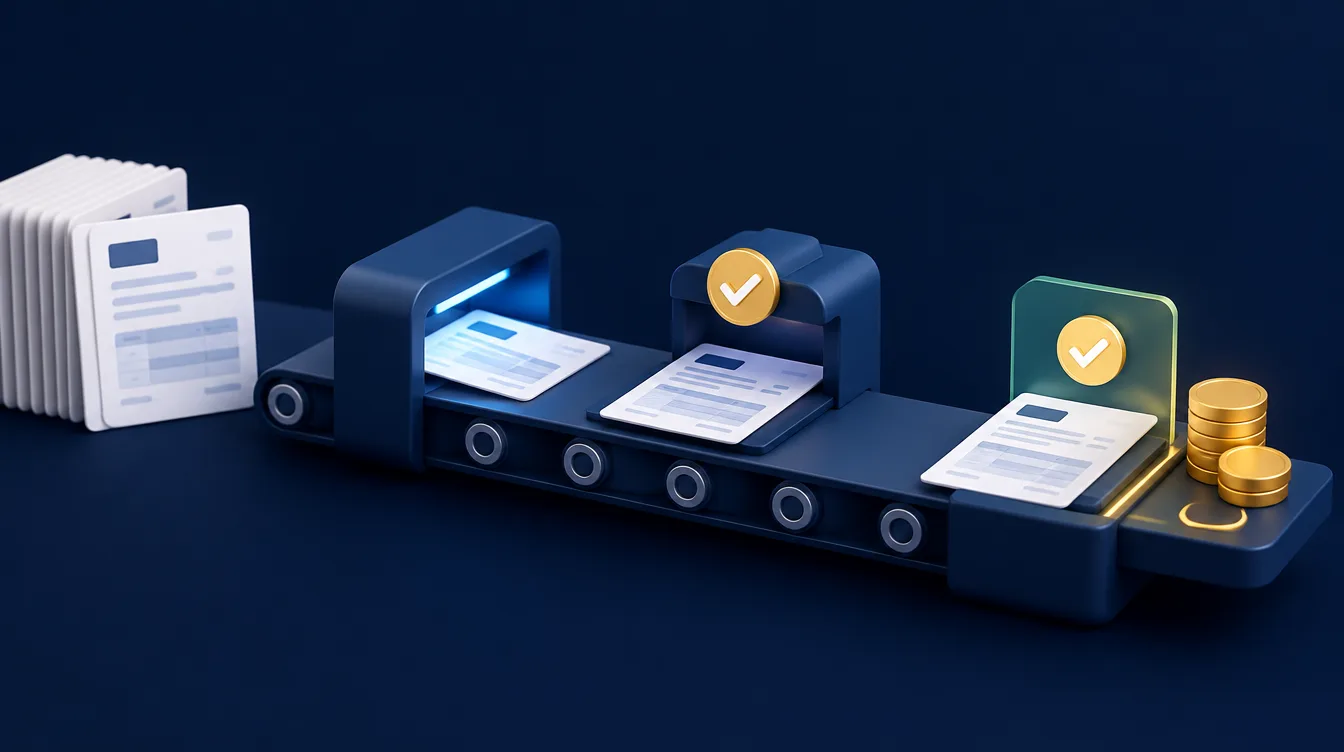
Invoice processing is often worth examining. Approval reminders, payment chasers and status updates can follow sensible rules.
Care is needed here. A payment reminder should stop the moment a payment is recorded, and sensitive financial information must be handled securely.
Start with the process, not the workflow automation software
The most common mistake is choosing a tool before defining the problem. Software can move a poor process faster, but it cannot make it sensible.
Before assessing platforms or commissioning bespoke software, map the current workflow in plain English. Write down what starts it, who does each task and what counts as finished.
Ask the people who do the work where it stalls. They often spot exceptions that management cannot see, such as incomplete forms or duplicate records.
Then measure the baseline: how often the process occurs, how long it takes and how often mistakes happen. A good first project is frequent enough to matter, small enough to test safely and annoying enough that the team wants it fixed.

Build workflow management your team can trust
Decide which actions should happen automatically and which need a person. Automate data movement, acknowledgements, reminders and routine task creation first. Keep commercial decisions and anything with material financial or legal consequences under human control.
Keep information consistent between systems
A website form, CRM, accounting package and project board may all refer to the same customer differently. Agree a single source of truth for contact details, job status and consent. Otherwise automation can spread incorrect data at speed.
Set clear rules for failures too. A well-designed workflow should alert someone, keep the original information and make the issue easy to fix. Silent failures are worse than no automation because they create false confidence.
Test with real scenarios, not just the ideal route: duplicate enquiries, cancelled jobs, missing information and staff absence.
Workflow automation tools: off-the-shelf or bespoke software?
Many small businesses can make a meaningful start by connecting existing tools. Modern CRM, accounting, email marketing and project platforms often include built-in automations, and connector services can pass information between them.
This is usually quicker and cheaper for straightforward workflows, though you may be limited by the provider's rules and monthly costs can grow with usage.
Bespoke software becomes more appropriate when the workflow is central to how the business operates, needs unusual rules, or depends on older systems that do not communicate well. If the question is whether to buy a CRM or build something around your process, our guide to CRM vs bespoke software compares the two.
A hybrid model is often the practical answer: keep reliable specialist systems, connect them, and build only the parts that make your process distinctive. Athenium Systems helps businesses assess this balance before committing to a route.
AI automation and no-code platforms: where they fit
Traditional automation follows fixed rules: if this happens, do that. AI automation can also summarise an enquiry, classify a document or draft a first reply. It works best with a human check on anything customer-facing.
A no-code platform lets a business build simple customizable workflows without writing a script, for example between forms, a project tool and accounting software such as QuickBooks. When the rules become complex or the volume grows, bespoke software is usually more reliable.
Support and continuity: protect customer information
Automation often involves personal data. Be clear why each piece is collected, where it is stored, who can access it and how long it is kept.
Use role-based access, enable multi-factor authentication and review former staff access promptly. Document each workflow, its owner and how it can be paused or run manually, so nobody is left guessing why an invoice was sent.
Measure productivity, not just time saved
Time saved is useful, but it is not the only sign of success. For sales, look at first response time and enquiry-to-sale conversion. For operations, track turnaround time and rework. For finance, measure overdue invoices.

Review these measures after a few weeks and again after a few months. An automation may reveal that the real bottleneck is an unclear approval process, which is still a valuable result.
The aim is not a business that runs on autopilot. It is smoother day-to-day operations, where routine work moves reliably and capable people are not tied up with avoidable administration. Begin with one process your team would be relieved to stop doing manually.
Frequently asked questions about workflow automation
What is the best first process to automate in a small business?
Choose a frequent, rules-based task that wastes time, such as handling new enquiries, sending reminders or creating invoices from approved jobs.
Do I need technical expertise to start?
Not for simple automations. Many tools are designed for non-developers. For several systems or sensitive data, get advice first.
When should I move from automation tools to bespoke software?
When your process is a genuine advantage, when tools force awkward workarounds, or when you pay for many connected apps that still need manual effort. Our bespoke software development service starts with mapping the process.
Ready to automate your business?
We build bespoke software that removes repetitive work, improves efficiency and helps your business scale with confidence.