
When to Replace Spreadsheets With Custom Software

A digital spreadsheet that started as a simple stock list, job tracker or monthly report can quietly become the operating system for an entire business.
It may contain years of knowledge, carefully built formulas and vital customer data.
The problem is not that spreadsheets are inherently bad. The problem begins when a business needs to replace spreadsheets with custom software because the file can no longer keep up with the work around it.
For many small and medium-sized businesses, the warning signs are familiar: several versions of the same file, staff manually copying information between systems, and formulas that only one person understands.
Decisions get delayed while someone checks which figures are correct.
Bespoke software can solve these issues, but it is not automatically the right answer. The sensible approach is to identify where spreadsheets are costing time, creating risk or preventing growth.

A quick checklist. If three or more of these sound familiar, it is time to take a closer look:
- You keep several copies of the same file, and nobody is sure which is current.
- Staff retype information from one spreadsheet into another system.
- One person owns a workbook that nobody else understands.
- Reports take hours to reconcile before anyone trusts the figures.
- You cannot see who changed a record, or when.
Use this checklist as a starting point for a conversation with your team. Ask them which items cause the most daily frustration.
When should you replace spreadsheets with custom software?
When Microsoft Excel and Google Sheets are still the right tool
A spreadsheet remains useful when it is used by one or two people for analysis, budgeting, modelling or an occasional task.
Microsoft Excel and Google Sheets are flexible, familiar and inexpensive.
Replacing every spreadsheet would be unnecessary and costly.
When manual data entry and many spreadsheets signal a problem
Custom software becomes worth considering when the spreadsheet is central to a repeatable business process. That could be quoting work, allocating engineers, tracking orders, managing compliance evidence, calculating commissions or reporting on projects.
At that point, the spreadsheet is no longer simply a document. It is acting as a database, workflow tool and reporting system at the same time.
The clearest trigger is repeated manual effort. If a member of staff spends hours each week importing data, chasing updates, creating duplicate records or correcting errors, the cost is larger than their time alone.
Delays affect customers, mistakes affect margins, and key knowledge becomes concentrated in a few people.
When complex workflows need a proper database
Another trigger is the need for several people to work on the same process. Shared spreadsheets can support collaboration to a point, but they are less reliable when different teams need different permissions, approvals and views of the same information.
A sales manager may need a pipeline overview, for example, while an operations team needs a daily work schedule and finance needs accurate invoicing data.
A custom system can give each team the right information without creating separate versions of the truth.
The hidden cost of spreadsheet dependence on data quality
Spreadsheet errors build up quietly
Most spreadsheet problems do not appear as one dramatic failure. They build gradually.
A formula is overwritten, a row is missed during copy-and-paste, an employee uses an old version, or a customer record is updated in one file but not another.
Each incident may be small, yet the cumulative effect can be serious, especially when many spreadsheets hold overlapping spreadsheet data.
Governance, access control and the database you do not have
There is also a governance issue. Businesses handling customer, employee or financial information need to know who can access it, who changed it and where it is stored.
Password-protected files and shared folders offer some protection, but they do not provide the level of control that many growing businesses need.
A properly designed system can apply user roles, maintain an audit trail and reduce the amount of sensitive data held in uncontrolled files.
Macro and key-person risk
The personal dependency risk is often underestimated. If one employee created a complex workbook and then leaves, the business can lose access to the logic behind critical pricing, reporting or operations.
This is sometimes called the "spreadsheet expert" problem.
A macro written years ago in Excel, or a formula buried in a single cell, can quietly run pricing or reporting until the day it breaks.
Custom software documents the process in the system itself, making it easier to train staff and maintain continuity.
Backups, security and your spreadsheet data
Spreadsheet files are easy to copy, email and lose. A file saved on one laptop is only as safe as that laptop, and a shared drive is only as good as its last backup.
Many businesses discover they have no reliable backups of the spreadsheet that runs their quoting or scheduling until something goes wrong.
A purpose-built system keeps its information in a managed database with regular, tested backups, so a lost laptop or an overwritten file no longer puts the business at risk.
Start with the process, not the software project
The strongest bespoke software projects begin by mapping the work that happens before anyone discusses features.
A business should be able to explain what starts the process, who is involved, what information is required, what decisions are made and what outcome is expected.
Take a facilities management company that tracks maintenance visits in several spreadsheets. One sheet may hold client sites, another contains engineer availability, and a third is used to prepare invoices.
The immediate request might be for an app. However, the underlying problem could be a lack of agreed job statuses, inconsistent site records and no clear handover between office staff and engineers.
Building software around an unclear process only makes confusion digital.
Most of the time the result is a small internal tool: a focused system that does one job well, built for your team rather than for every business.
A short discovery exercise should identify the repetitive steps, exceptions and bottlenecks. It should also separate genuine requirements from habits.
A field that nobody uses, a report nobody reads or an approval that adds no value should not automatically be recreated in a new system.
A simple spreadsheet audit to run first
Before talking to any developer, list every spreadsheet your team uses for a core process. Note who owns each one, how often it changes and where the data comes from.
Then mark which files feed into others. Links between files are often where errors start, and they show where a single system would help most.
This short exercise usually takes an afternoon. It gives you a clear picture to share, and it makes any quote you receive easier to compare.
What to automate first
It is tempting to ask for every feature at once. That usually increases cost, delays launch and makes it harder for staff to adopt the new system.
A better approach is to prioritise the processes that are frequent, time-consuming and prone to error.
For many businesses, the first version might focus on one core workflow: capturing a new enquiry, producing a quote, moving an order through delivery, or recording a service visit.
Once this process works reliably, the system can add reporting, customer portals, accounting integrations or more advanced automation.
Good early candidates for automation include:
- Creating records once and reusing the same information across quotes, jobs, invoices and reports.
- Sending reminders when an action is due, a document is missing or approval is needed.
- Applying standard calculations, pricing rules or status changes consistently.
- Giving staff a simple dashboard of the tasks and information relevant to their role.
Not every decision should be automated. Complex pricing, unusual customer requirements and high-value approvals may still need human judgement.
The goal is to remove routine administration so that people can focus on exceptions, relationships and quality of service.
Choosing the right tool: off-the-shelf software or custom software development
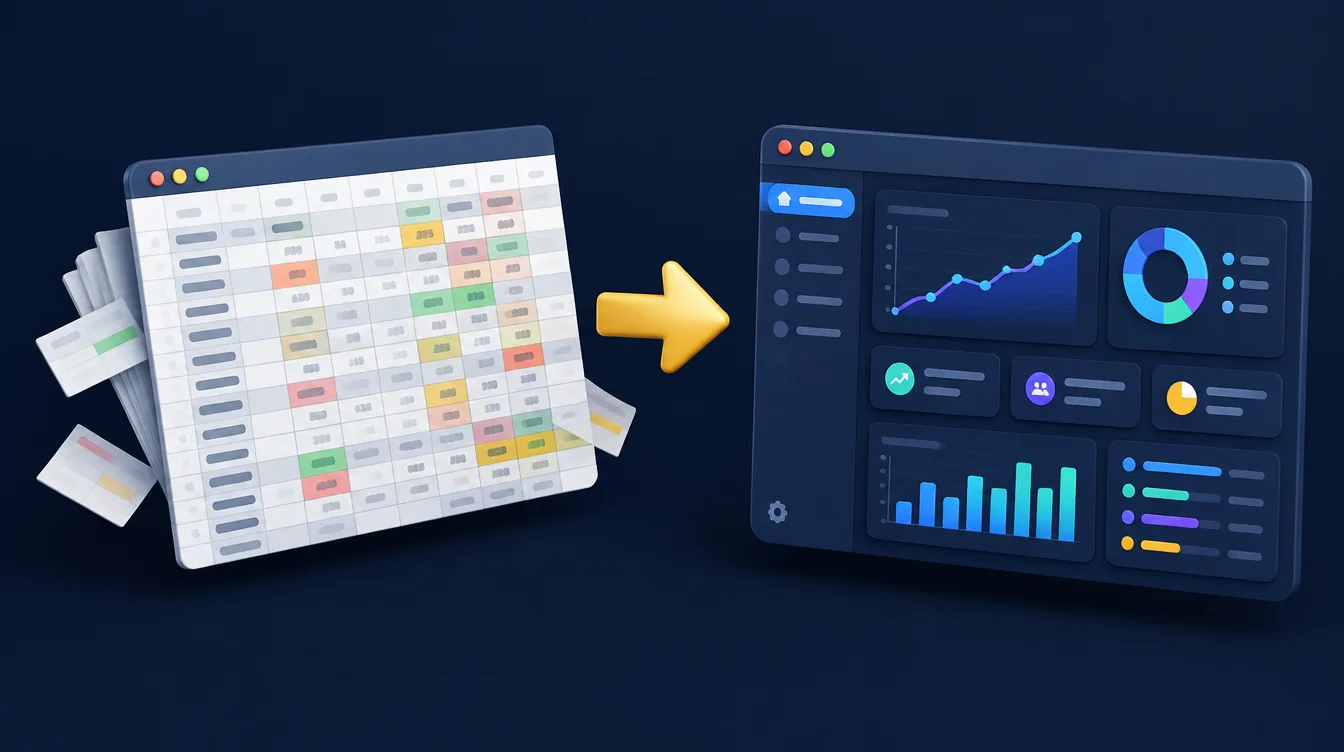
Custom software is not the only route away from spreadsheet reliance. An off-the-shelf CRM, job management platform, accounting package or low-code tool may address the need faster and at a lower initial cost.
For a standard process, this is often the right choice. Our guide to CRM vs bespoke software explains how to weigh the two.
Bespoke software is most valuable where the business has a process that gives it an operational advantage, where existing tools force awkward workarounds, or where several systems need to work together in a specific way.
A manufacturer may need to combine order requirements, production capacity and quality checks. A professional services firm may need a tailored workflow for regulated case management.
In these situations, adapting the business entirely to generic software can be more expensive over time than building the right solution.
The trade-off is responsibility. A bespoke system requires proper planning, testing, security, hosting, maintenance and support. It should not be treated as a one-off build that can be ignored after launch.
Requirements change, browsers evolve and security risks need ongoing attention. A credible development partner will explain these commitments clearly rather than presenting custom development as a quick fix.
Data migration: how to move from spreadsheets without disrupting the business
Data migration is where many projects succeed or fail. A new system is only as useful as the data and people behind it.
Before importing anything, review existing spreadsheets carefully. Remove duplicate records, agree naming conventions and decide which historic information genuinely needs to move.
Carrying every old inconsistency into a new platform creates avoidable problems.
It is usually safer to run a controlled pilot with a small team or one part of the workflow. This gives staff time to test real scenarios, highlight missing details and build confidence.
Their feedback matters because they understand the practical exceptions that are rarely visible in a high-level process diagram.
Training should focus on each person's daily tasks rather than a long tour of every feature. Clear guidance, sensible permissions and a named internal owner will do more for adoption than an impressive feature list.
Keep the spreadsheet available as a read-only reference during the transition if needed, but set a clear date when the new system becomes the source of truth.
API integration and scalability: planning beyond the first release
A well-planned system should not sit alone. API integration lets the new software exchange data with your accounting package, CRM, website forms or stock system, so information is entered once and flows to the places that need it.
This is one of the biggest differences from a spreadsheet, where integration usually means copying and pasting between files.
Scalability matters too. A spreadsheet that works for 200 rows often struggles at 20,000, and a shared Google Sheets file with many editors becomes slow and fragile.
A properly designed database can grow with the number of customers, jobs and users without the process falling over.
Companies that plan for growth at the start avoid a second redesign a year later.
Measure productivity gains in business terms
A successful project should be judged by more than whether the software was delivered on time. Measure the operational change.
Useful indicators may include the time taken to produce a quote, the number of incomplete jobs, invoice delays, data-entry errors, response times or the amount of work completed per coordinator.
These measures also help make the business case before development begins. If a process consumes ten hours of administration each week, causes delayed invoices and occasionally loses enquiries, the return is not limited to staff time.
Better data can support faster decisions, more reliable customer service and clearer forecasting.
The right moment to move away from spreadsheets is not when a file looks untidy. It is when the file has become a constraint on the way your business works.
Start with one process that causes visible friction, define a practical improvement and build from there.
That approach keeps investment focused and gives your team a system they will actually want to use.
Frequently asked questions about replacing spreadsheets
How do I know if my business has outgrown Excel?
The warning signs are repeated manual data entry, several versions of the same file, formulas only one person understands, and reports that take hours to reconcile.
If one spreadsheet is central to how you quote, schedule or invoice, it is worth reviewing.
How much does custom software development cost compared with spreadsheets?
A spreadsheet looks free, but the cost shows up in staff time, errors and delays.
A custom build is a larger upfront investment, so we recommend starting with the one workflow that causes the most friction and proving the return before adding more.
Can you keep my existing data when we replace the spreadsheet?
Yes. Data migration is part of every project. We review, clean and import the information that genuinely needs to move, and keep the old file as a read-only reference during the changeover.
Is a spreadsheet replacement secure?
It can be more secure than shared files.
A purpose-built system can apply user roles, keep an audit trail and reduce sensitive data held in uncontrolled files and email attachments.
Ready to replace your spreadsheets?
We'll review your current processes and show you where bespoke software could save time, reduce errors and support future growth.