
Website Design for More Enquiries That Converts
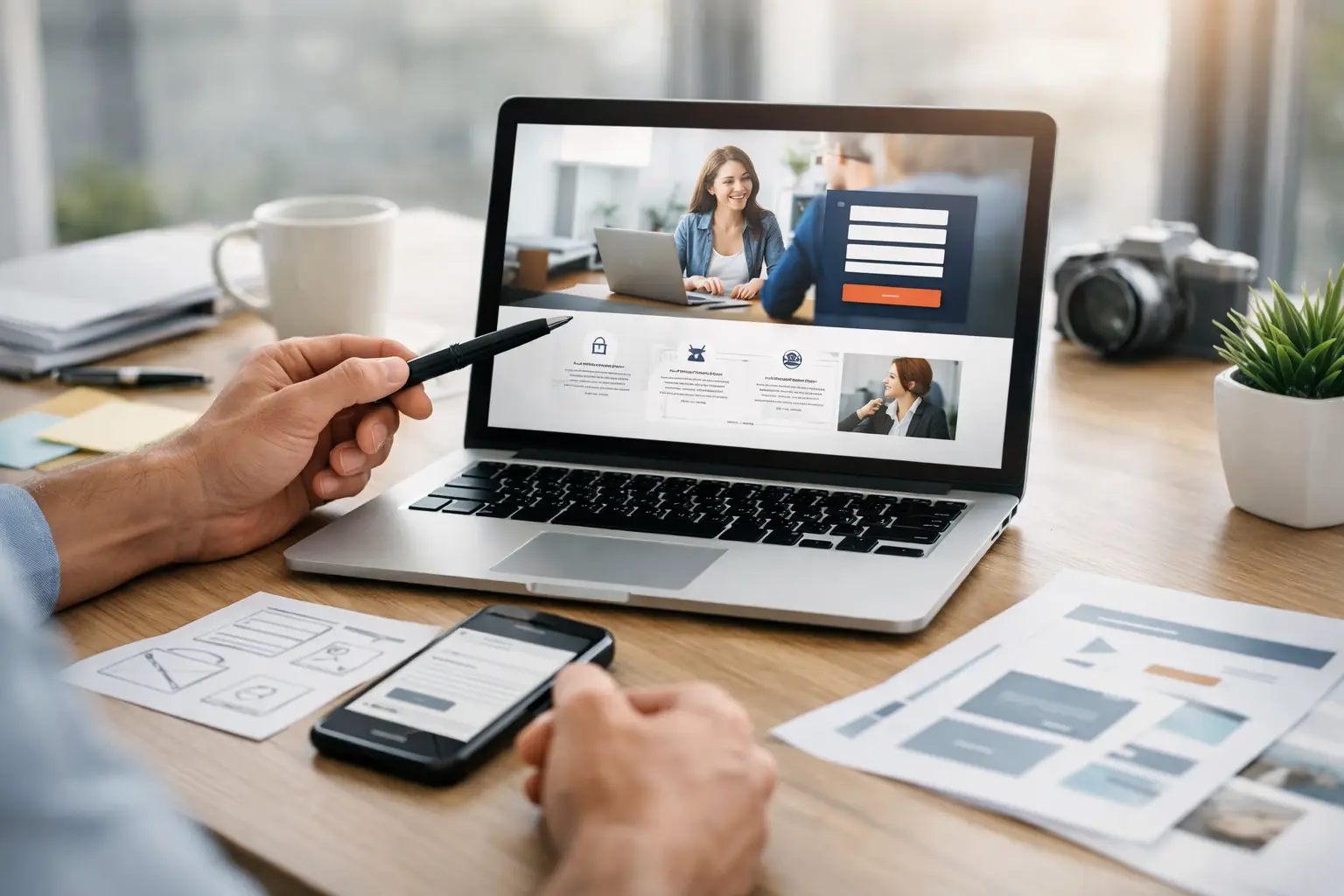
A prospective customer rarely arrives on a website with time to spare. They may be comparing three local suppliers. They may be checking whether you serve their area. Or they may be trying to solve a problem before it becomes expensive.
Website design for more enquiries is therefore not about making a site look busy or fashionable. It is about helping the right visitor understand what you do, trust you and take the next sensible step.
For many small and medium-sized business owners, the issue is not a lack of website traffic. It is that too few visitors become calls, form submissions or meeting requests.
The cause is often a mix of unclear messaging, slow pages, weak evidence and an enquiry process that asks too much too soon.
Why website design for more enquiries starts with clarity
A high-performing website should answer a visitor’s main questions quickly. What do you offer? Who is it for? Why should they choose you? What should they do next?
If any of those answers are hard to find, people tend to leave rather than investigate.
This is particularly important for service businesses. A visitor looking for an accountant, construction firm, IT provider or professional adviser may not understand every technical detail.
They do, however, want confidence that you understand their situation and can handle the work properly.
Your homepage should lead with a clear, customer-focused statement rather than an internal description of your business. Compare “Providing quality solutions since 2008” with “Reliable commercial electrical work for businesses across Greater Manchester”.
The second version tells a visitor what the company does and who it helps. It also gives useful context straight away.
Clarity does not mean reducing every service to a slogan. It means structuring information in the order customers need it.
Explain the outcome first, then the service, process, relevant experience and the route to getting in touch.
Ways to get your message across in seconds
There are simple ways to test your message. Show your homepage to someone who does not know your business for five seconds. Then ask what you do and who you do it for.
If they cannot answer, the wording needs work. Good design supports the message: it never competes with it.
Good design makes the first visit easier
Good design is not decoration. It is the layout, spacing, colour and wording that guide a person through the page.
On a first visit, people scan before they read. Strong headings, short paragraphs and clear buttons help them find what they came for.
Give each page one clear job
A common mistake is expecting one general services page to persuade every possible customer. A better approach is to create focused pages around important services, sectors or locations where there is genuine demand.
A page about payroll support, for example, should address the needs, concerns and outcomes of a business seeking payroll support. It should not link vaguely to a long list of accounting services.
Local SEO starts with focused pages
Focused pages also support search engine visibility because they give search engines a clearer indication of what the page is about. But this should never lead to thin, repetitive pages built solely for rankings.
Each page needs useful, specific content and a distinct purpose. Choose your keywords for the questions customers actually ask.
Services pages that answer a buyer’s questions
Your services pages carry most of the weight when a visitor is deciding. Each one should say who the service is for, what is included, how it works and what happens next.
Add proof close to the call to action, such as a short testimonial or a relevant case study. That one change often lifts enquiries more than a new colour scheme.
Make it easy to take the next step: calls to action and contact forms
An enquiry is a commitment, even when it is a small one. Visitors need to know what will happen when they call, book or submit a form.
A vague button labelled “Submit” gives little reassurance. A more helpful call to action such as “Request a call back”, “Arrange a site survey” or “Get a project estimate” sets a clearer expectation.

The right action depends on the service and the value of a potential project. For a straightforward local service, a prominent phone number may be the most effective route.
For a complex B2B project, an initial consultation or discovery call can feel more appropriate.
Ways to offer more than one route in
For products or services where customers need a quick indication of cost, a short quote request may work well. A live chat option or a simple email link can also help people who prefer a quick question to a form.
The goal is not to force every visitor through the same funnel. It is to provide sensible options without creating confusion.
In most cases, a primary call to action and a secondary alternative are enough.
Your contact page and enquiry forms
Forms deserve particular attention. Long forms often reduce submissions, especially on mobile.
Ask only for information needed to make a useful first response, such as name, contact details, a brief description of the requirement and perhaps a preferred contact time. Technical questions, detailed budgets and supporting documents can usually be collected later.
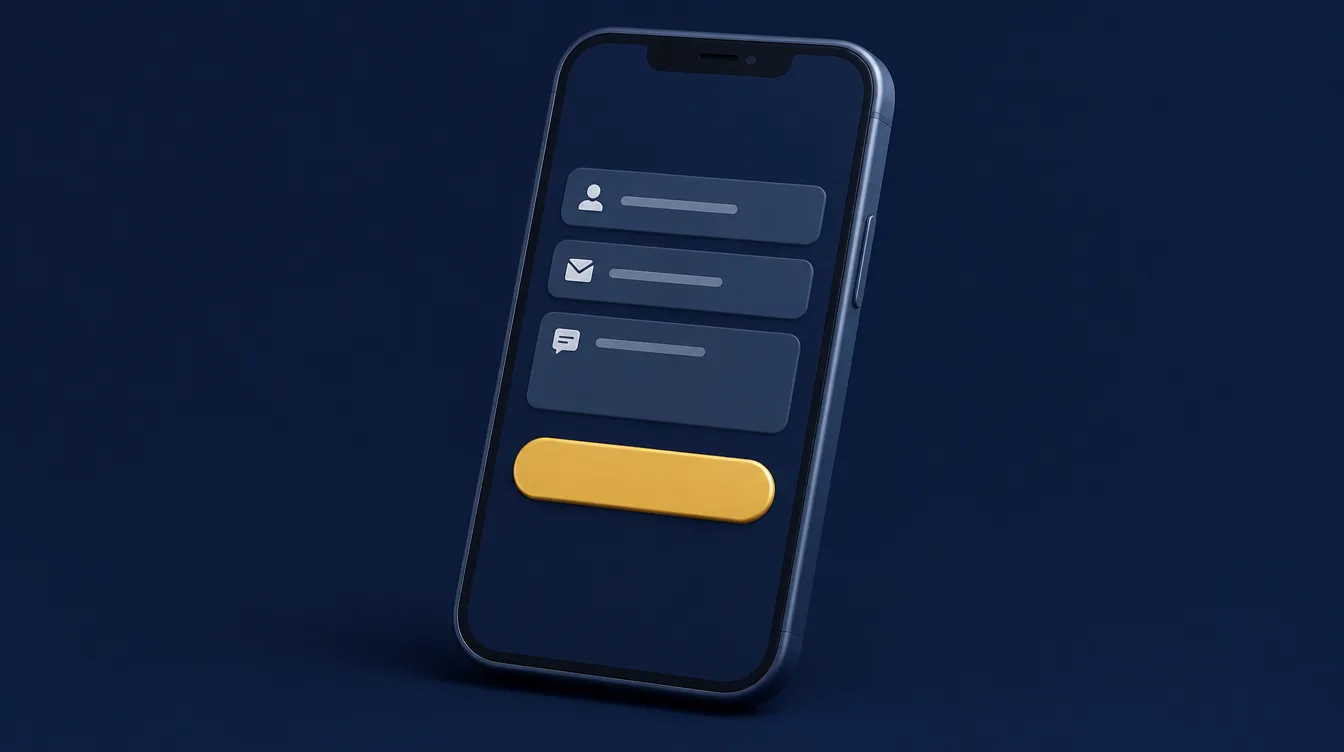
A good enquiry form should also confirm that the request has been received and explain when the person can expect a reply.
This is a small detail, but it reduces uncertainty and makes contact feel effortless.
Follow up by email and phone, fast
An enquiry is only the start. A quick, friendly email or phone call after a form submission shows the person that you are organised and keen to help.
If replies take days, even a strong website will lose enquiries to a competitor who answers sooner.
Build trust with people before asking for contact details
People are more likely to enquire when they can see credible evidence that you are capable, established and straightforward to work with. A professional website builds that confidence through consistent information across the site.
Trust is not created by a single badge in the footer.

Useful proof points include clear case studies, relevant testimonials, professional team information, accreditations, examples of completed work and honest explanations of your process.
Show the knowledge and skills of the people who will do the work.
Show the people and results behind the business
The most effective examples are specific. A testimonial that says a company was “great to work with” is pleasant. One that explains how a project was delivered on time, solved a particular issue or improved efficiency is far more persuasive.
For regulated, technical or high-value services, detail matters even more. Show your qualifications, insurance, standards, security approach or sector experience where relevant.
Avoid making claims that cannot be supported. Overstating results may create short-term interest, but it weakens trust when a visitor looks closer.
Be open about price
Price is another area where businesses sometimes hesitate. You do not always need to publish fixed prices, especially when every project is different.
However, explaining the factors that affect cost, your minimum project size or what is included in an initial consultation can filter out unsuitable enquiries. It also helps serious prospects feel better informed.
How search and the customer journey shape the first visit
Most people reach your site through search. They arrive with a question, and the first visit is often the only chance to answer it.
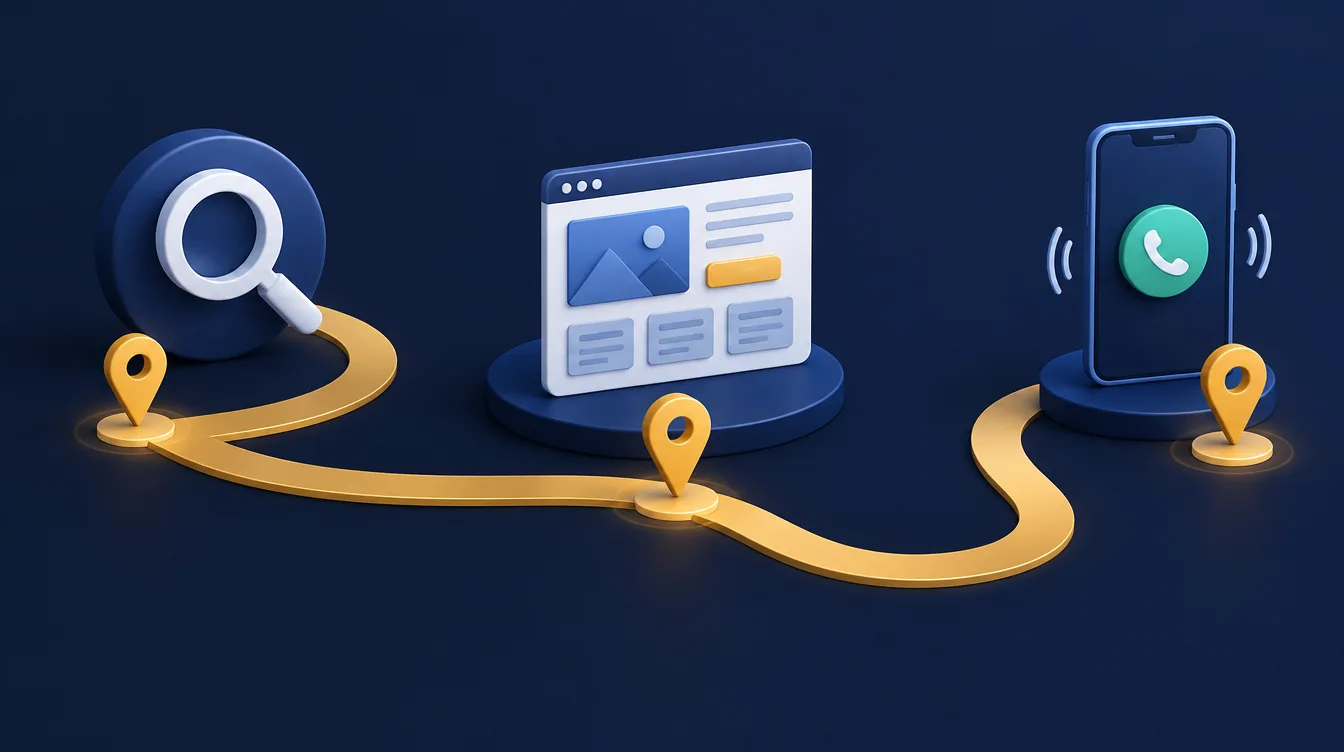
Think about the whole customer journey, from the search result to the enquiry. Does the page match what the person searched for? Is the next step obvious?
Check your competitors with fresh eyes
Look at how competitors present themselves. Are they easier to contact? Do they show more proof? Do they explain their prices or process better?
You do not need to copy anyone. The aim is to spot gaps you can fill and weak points you can avoid.
User experience: performance and mobile usability affect enquiries
A polished design cannot compensate for a slow or frustrating website. If key pages take too long to load, visitors may leave before reading your offer.
This is especially damaging for paid advertising, where every abandoned visit has a direct cost.
Speed improvements often come from practical housekeeping: properly sized images, efficient code, reliable hosting, sensible use of plugins and avoiding unnecessary animations or video backgrounds.
A visual feature may look impressive in a design review. If it delays the page or distracts from the message, it may be working against your commercial goals.
Design for the phone in your visitor’s hand
Mobile design should receive equal attention. Many business owners still review their website mostly on a desktop computer, while a large share of prospective customers may be using a phone.
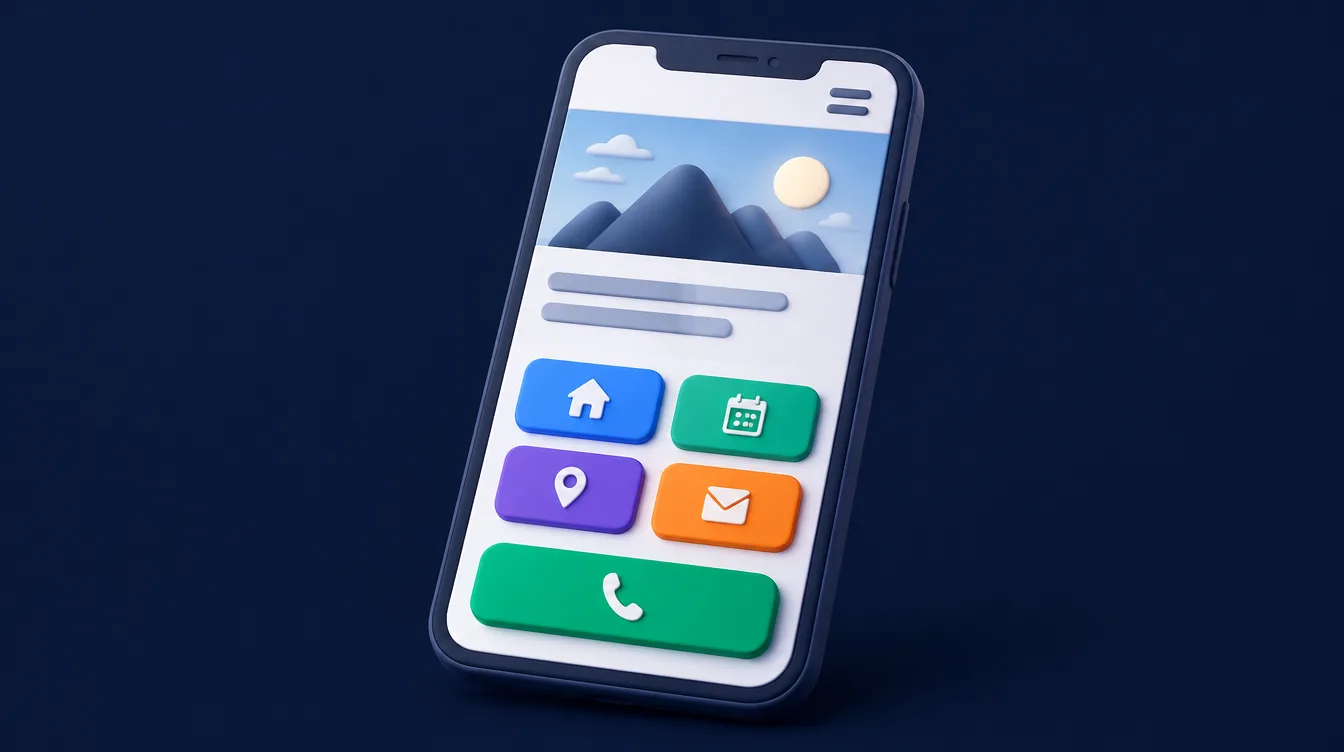
On a smaller screen, buttons need to be easy to tap, text needs to be readable and phone numbers should be immediately visible.
Forms must be simple enough to complete without pinching, zooming or excessive typing.
Accessibility also supports conversion. Good colour contrast, descriptive labels, logical headings and keyboard-friendly navigation help more people use your website successfully.
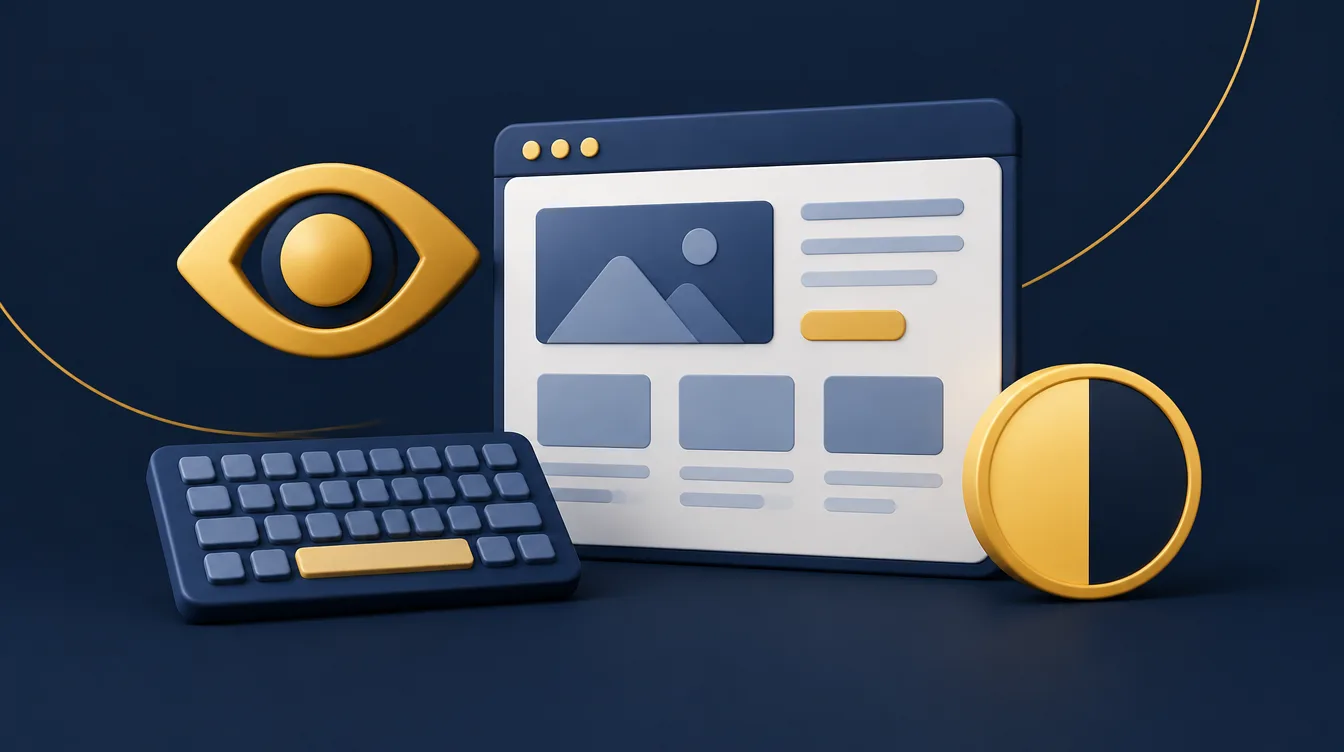
They also make the content clearer and more usable for everyone.
Turn visitors into enquiries by answering real objections
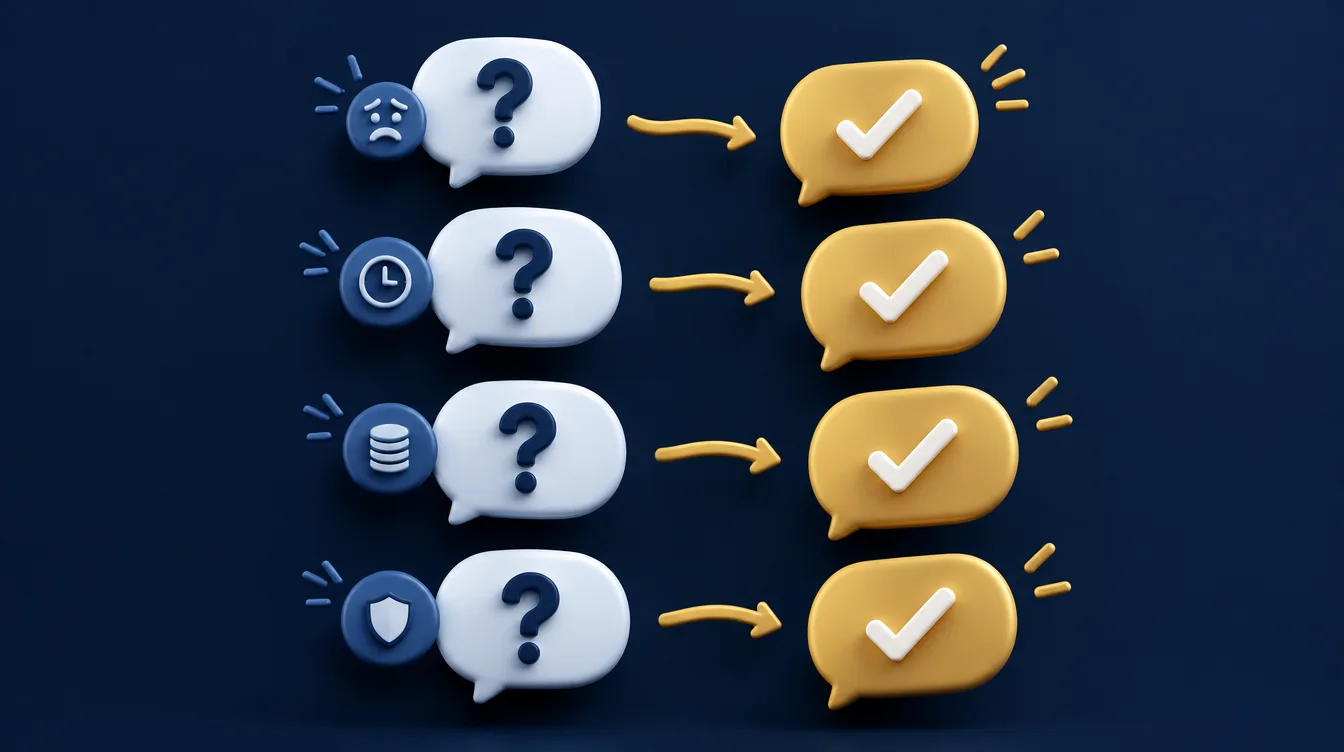
People often hesitate to enquire because they are unsure whether a business is suitable for their job. Your website can reduce that hesitation by answering common questions before they need to ask them.
For example, a commercial cleaning company might explain the types of premises it serves, whether it offers out-of-hours work, how contracts are managed and which areas it covers.
A software provider might explain its discovery process, likely project timescales, support arrangements and whether it works with existing systems.
This content should be written in plain English. Industry terminology can be useful when your audience expects it, but it should not become a barrier.
Business owners are not looking for a test of their technical knowledge. They are looking for confidence that you can solve a problem.
Say who you are not the right fit for
It is also worth being transparent about who you are not the right fit for. If you only work with commercial clients, say so. If your service has a minimum scope, explain it respectfully.
Better qualification on the website can mean fewer low-quality enquiries and more productive conversations.
Measure what happens after a visitor lands on your business website
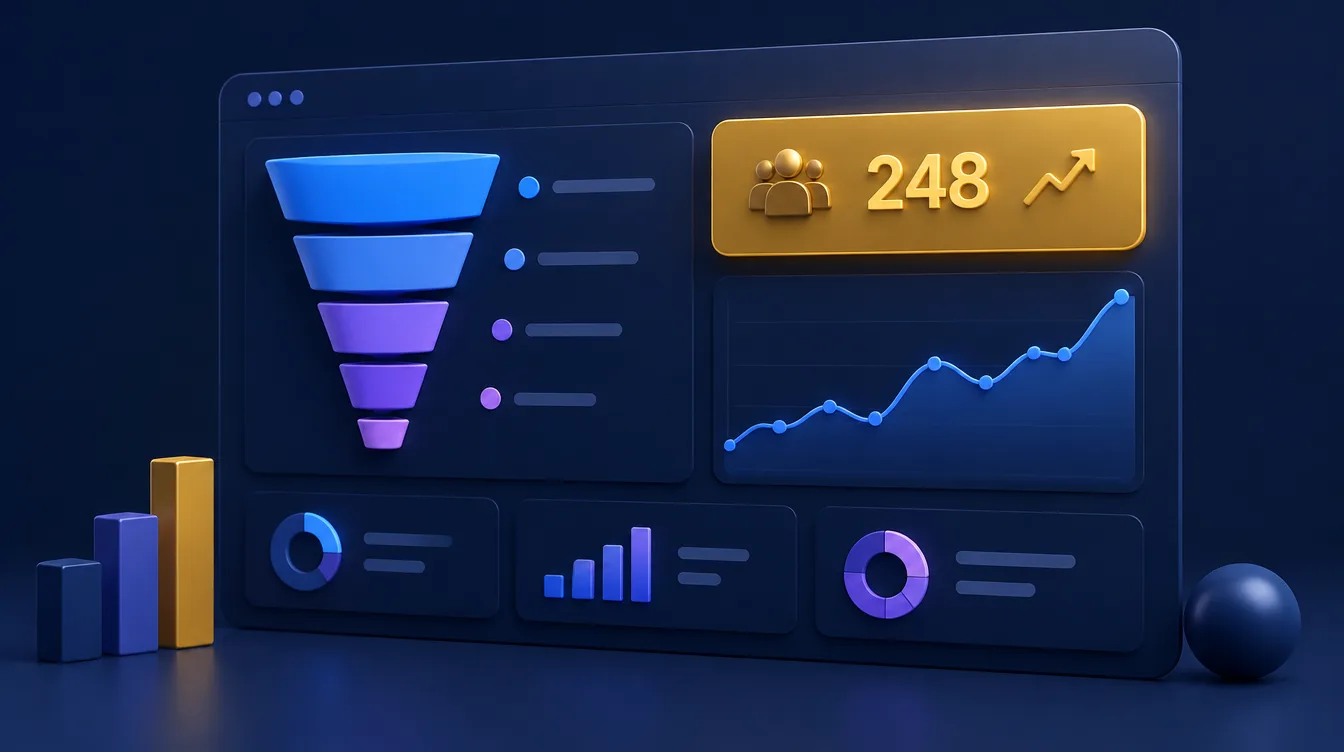
Without measurement, design decisions can easily become matters of opinion. A website should track meaningful actions such as form submissions, telephone clicks, booking requests, brochure downloads and enquiries from specific campaign pages.
These measures show whether the site is contributing to the business, not simply attracting visits.
Track results from live chat, email and calls
Count every route in: form submissions, calls, email clicks and live chat messages. Then look at the results by page and by source.
Numbers need context. A lower conversion rate is not always a failure if a new SEO campaign is attracting more early-stage visitors.
Equally, a page with fewer visits may be highly valuable if it consistently generates larger projects. Review enquiry quality alongside volume, including where leads came from, what they asked for and whether they became customers.
Use feedback to find where people get stuck
User behaviour tools and customer feedback can reveal where people get stuck. If visitors repeatedly view a service page but do not contact you, the page may need stronger proof, clearer pricing guidance or a more relevant next step.
If people abandon a form, reducing fields or improving the wording may help.
Website improvement is usually iterative rather than a one-off redesign. Test changes carefully, allow enough data to build up and keep the focus on outcomes that matter to the business.
Marketing ideas that turn visits into enquiries
Good marketing sends the right people to the right page. Fresh news and articles, a Google Business Profile and a few well-chosen ads can all bring visitors.
Your website design then decides how many of them act. Treat every marketing idea as an opportunity to test one change at a time.
A practical way to prioritise web design improvements for UK businesses
Start by reviewing your highest-value pages: the homepage, core service pages, contact page and any landing pages used for advertising.
Check whether each page makes the offer clear, provides credible evidence and gives visitors an obvious reason to get in touch.

Then look at the technical experience on mobile devices. Test page speed, navigation, forms and click-to-call links as if you were a busy customer.
Finally, check whether enquiry tracking is working and whether your team follows up promptly. A well-designed website cannot compensate for an unanswered form submission.
One joined-up strategy
At Athenium Systems, we find the strongest results come from joining design, content, performance and measurement into one considered strategy.
The website should reflect your brand, but it must also earn its place as a practical business tool.
The most useful question is not whether your website looks modern. It is whether a suitable prospect can quickly see why they should trust you, what to do next and how easily they can start a conversation today.
Effective web design for local businesses: common questions
What makes effective web design for a business website?
Effective web design makes the next step obvious. It leads with a clear promise, shows proof that you do the work well, and removes anything that gets in the way of a visitor contacting you.
Clutter, unclear layouts and slow pages all reduce enquiries.
Should I redesign my current website or start from a first design?
If your current website loads slowly, is hard to use on a phone or does not explain what you do, a redesign usually pays back quickly.
If the structure is sound, targeted improvements to key pages and calls to action can be enough. A short review of your highest-value pages will show which route makes sense.
Do Google Ads, social media and a blog help with enquiries?
They all send visitors, but design determines how many of those visitors become customers.
A well-structured site makes every pound spent on Google Ads, every social media post and every blog article work harder. Local SEO then helps the right customers find you in the first place.
What is the difference between bespoke websites and templates?
A bespoke website is designed around your business goals and your customers' journey, rather than fitting your content into a pre-made layout.
If you would like to see how that works in practice, take a look at our case studies or web design and development service.
Need a website that generates more enquiries?
We design and build websites that don't just look professional—they help businesses generate enquiries, build trust and grow consistently.