
KPI Dashboard for Business Owners That Works

A Monday morning report that contains 40 figures rarely helps anyone make a better decision. It usually creates a familiar problem: the owner sees that something has changed, but cannot tell what needs attention first.
A well-designed KPI dashboard for business owners solves that problem by putting the few measures that genuinely affect growth, cash flow and efficiency in one clear view.
The goal is not to monitor every part of the business. It is to create a reliable management tool that answers practical questions quickly: Are we generating enough good enquiries? Is the website contributing to sales? Are jobs being delivered profitably? Where is time being lost? And what should the team do next?
What a KPI dashboard should do: a practical guide for business owners
A key performance indicator is a measurement tied to a business objective. Website traffic on its own, for example, is not necessarily a useful KPI. More visitors do not help if they do not make enquiries, buy, book, or take another meaningful action.
The more useful measure might be qualified website enquiries, conversion rate, or revenue attributed to a campaign.
A dashboard brings selected KPIs together from systems that may otherwise sit separately: website analytics, customer relationship management software, accounting tools, project management platforms and internal operational systems.
Rather than switching between reports, a director can see the current position and the trend behind it.
That said, a dashboard is only as useful as the decisions it supports. If no one would act differently after seeing a number, it probably does not deserve prominent space.
This is where many dashboards become cluttered. They are built around available data rather than the questions the business needs to answer.
Start with decisions, not software
Before choosing a reporting tool or commissioning bespoke software, identify the regular decisions you want to improve.
For a growing service business, these may include whether marketing spend is producing profitable leads, whether the sales pipeline is healthy enough for the next quarter, and whether projects are being delivered within budget.
For an ecommerce business, the priorities may be different: sales by channel, average order value, repeat purchase rate, product margin, returns and stock availability. A construction or trade business may need a closer view of quoted work, job profitability, engineer utilisation and overdue invoices.
Advice on choosing the right KPIs for your business
The right measures depend on the business model. There is no universal list of KPIs that works equally well for every UK business. However, most owner-level dashboards should cover four areas: commercial performance, marketing and sales activity, operational delivery, and cash or financial health.
A useful exercise is to complete this sentence for each proposed measure: “If this figure moves materially, what will we do?” If the answer is unclear, either remove it or place it in a detailed team report rather than the main dashboard.
If you want independent advice, ask team members who use the numbers every day which ones they actually act on.
KPI dashboard examples: the core KPIs most owners need
Commercial performance
Commercial performance should show whether the business is moving towards its revenue and profit targets. Revenue this month and year to date are useful, but they need context.
Compare them with target, the same period last year where relevant, and the previous period. Gross profit or gross margin is often more revealing than revenue alone, particularly where material, labour or delivery costs vary.
Marketing and sales
Marketing and sales indicators should measure quality as well as volume. Website sessions, search rankings and social reach may be helpful diagnostic measures, but they are not usually the headline figures.
Owners are better served by leads by source, qualified leads, conversion rate, cost per lead, proposal value, win rate and sales cycle length. These figures reveal whether a drop in revenue began with visibility, lead quality, sales follow-up or conversion.

Operational metrics
Operational KPIs expose the work behind the numbers. Depending on the business, this could include project margin, jobs completed on time, backlog, utilisation, average response time, production capacity or support ticket resolution.
Operational data is especially valuable when sales are growing but profit is not. More work can create more pressure and cost if processes are inefficient.

Financial health
Financial health needs its own clear view. Cash in bank is vital but incomplete, because it does not show what is due out or what is likely to be paid late.
A dashboard can bring together aged debtors, overdue invoices, cash flow forecast, committed costs and recurring revenue. For many small businesses, this is the difference between reacting to a cash issue and seeing it early enough to manage it.

Make website and SEO performance data useful
Digital marketing is often reported in a language that business owners do not need: impressions, users, engagement rates and keyword positions. These numbers have a place, but the dashboard should connect them to commercial outcomes.
For example, organic search performance becomes useful when it shows which pages and blog posts bring in enquiries, which search terms lead to calls or form submissions, and whether those leads become customers.
A local business may also track calls, direction requests and enquiry rates from its Google Business Profile. A professional services firm might focus on consultation requests, downloadable guide enquiries and the value of opportunities created.
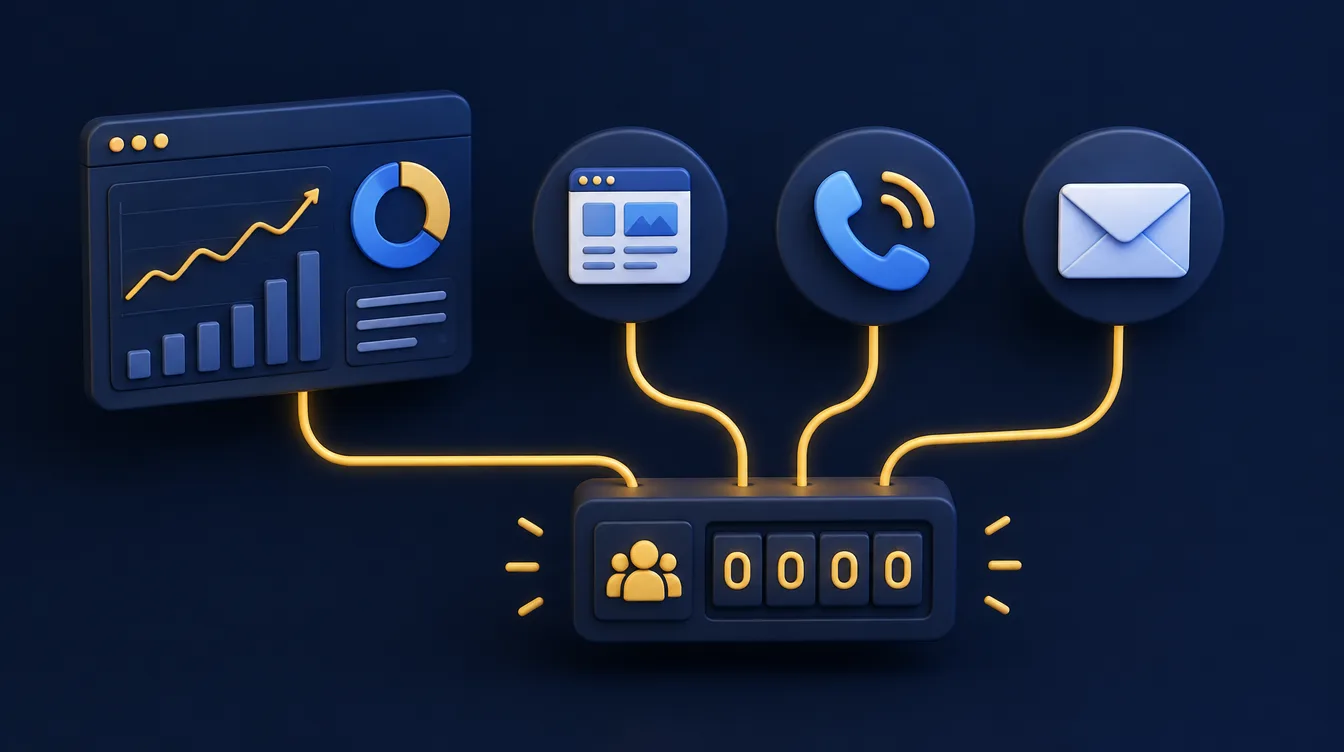
This connection depends on good measurement. Contact forms need conversion tracking. Phone calls should be recorded as a source where practical. Enquiries need to be marked in the CRM as qualified, won or lost.
Without that process, a dashboard may show marketing activity but cannot credibly show marketing return.
There will always be some gaps. A customer may find a business through Google, ask a colleague for a recommendation, and call weeks later without mentioning either. The aim is not perfect attribution. It is a consistent enough picture to spot patterns and make better spending decisions over time.
Design the KPI dashboard for business owners around attention
An owner dashboard should be easy to scan in a few minutes, not a dense spreadsheet transferred to a prettier screen. Put the most decision-critical figures first, show whether they are on or off target, and display a trend over time.
A single monthly number can look healthy while a three-month trend shows a decline.

Use plain labels. “Qualified enquiries” is clearer than an internal acronym. Define every KPI once, including its source, calculation and owner. This prevents a common reporting issue where sales, finance and marketing each use slightly different definitions of the same measure.
Colour can help, but use it carefully. Red and green indicators should have agreed thresholds rather than reflect a subjective judgement. A red figure should signal attention, not blame. Sometimes a decline is expected, such as a seasonal slow period or a deliberate reduction in low-margin work.
KPI management: give every measure an owner
Good KPI management means each measure has one named owner. Choose people close to the work, such as members of staff in sales, operations or finance, and ask them to explain any movement at the review.
Owners of companies with small teams can share this role, but every number still needs one person who answers for it.
It also helps to separate the main owner view from team-level detail. A marketing manager may need channel, campaign and landing-page data. An operations manager may need individual job or team performance.
The owner generally needs the headline, a clear explanation when performance changes, and the ability to investigate further when required.
Choose the right level of automation for performance reporting
A dashboard can begin as a structured spreadsheet updated weekly, particularly if data is limited and the business is still agreeing what matters. This is often sensible. It allows people to test definitions and reporting habits before investing in integrations.
Manual reporting becomes a problem when it consumes too much time, introduces errors or arrives too late to be useful. At that point, connecting systems through a reporting platform, automation tools or bespoke software can remove repeated data entry and provide a more current view.
Automation is not automatically better. If customer records are incomplete, invoices are categorised inconsistently, or staff use different stages in the sales pipeline, automating the data will simply make unreliable information appear faster. Improve the underlying process first, then automate the parts that are stable and repeated.
Off-the-shelf tools or bespoke reporting?
For some businesses, off-the-shelf tools provide everything needed. Others have unusual workflows, multiple data sources or industry-specific systems that do not connect cleanly.
Bespoke reporting can be justified where it saves significant administration, supports a valuable operational process, or gives leadership visibility they cannot get elsewhere. The case should be based on time saved and decisions improved, not on having more sophisticated charts.
Executive, tactical and operational dashboard examples
Not every dashboard serves the same reader. An executive dashboard is for the owner or board and tracks a handful of measures tied to strategic objectives, such as revenue, margin, cash and the quality of the sales pipeline.
A tactical dashboard helps managers steer a department through the month, and an operational dashboard shows the daily work: jobs outstanding, response times and open issues.
An analytical dashboard sits behind these views. It lets someone dig into why a number changed, for example by comparing customer satisfaction scores with delivery times. Keep the owner view short and push detail into the analytical layer, so that key stakeholders see only the performance measures they need.
A KPI dashboard for companies of different sizes
Smaller companies often need five or six measures on one screen. Larger companies may need several dashboards, one for each team, with a short summary on top. The principle stays the same: show what drives decisions and nothing else.
Bring business data into a single dashboard
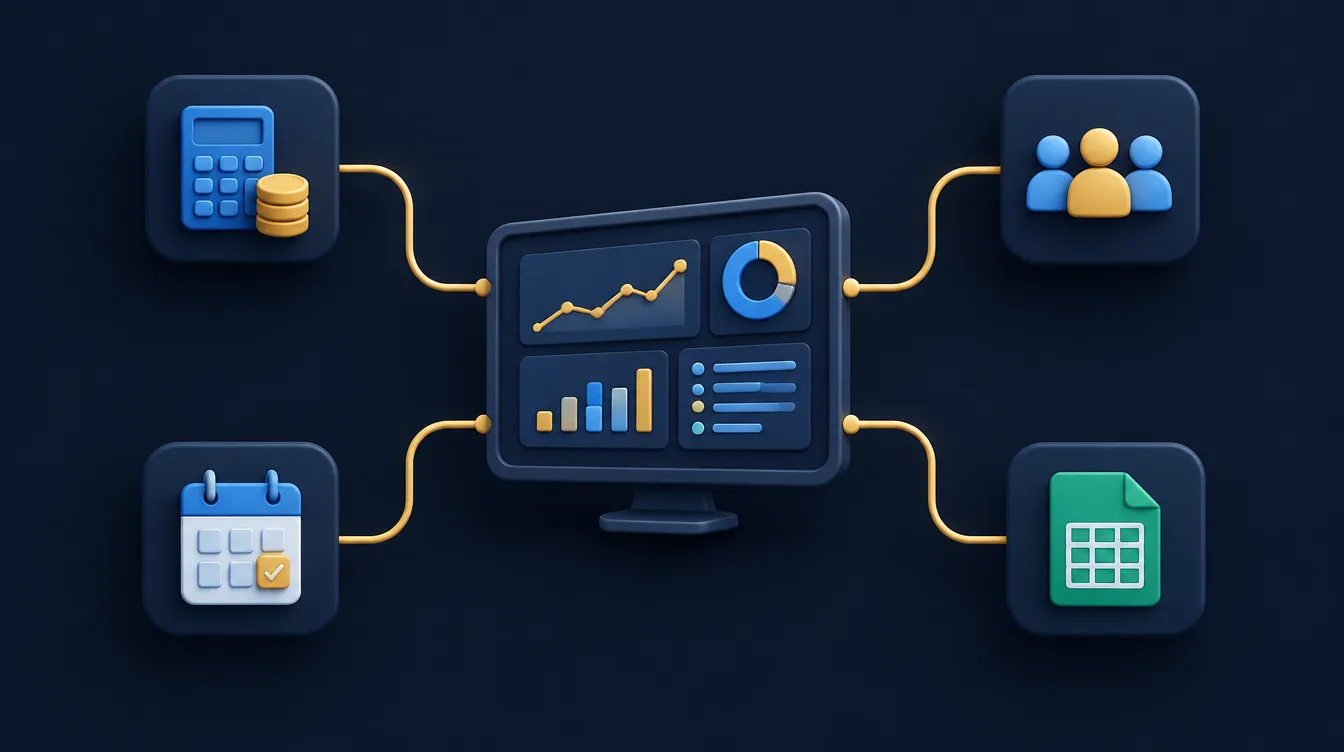
Most businesses hold their data in several places: an accounting package, a CRM, a booking system and perhaps ERP systems or spreadsheets. An effective dashboard pulls the relevant KPIs into a single dashboard rather than asking people to log into each tool.
Good governance matters here. Agree who owns each number, how it is calculated and how often it refreshes, so that nobody argues about the figures in the meeting.
From key insights to actionable insights
A chart shows what happened. An actionable insight tells you what to do next. Track performance over time rather than as a single snapshot, because the direction of a trend is usually more useful than the latest number.
If customer satisfaction is slipping or qualified leads are falling, the dashboard should make that visible early enough to act.
Performance management: create a reporting rhythm that turns insights into action
A dashboard should support a routine. Review a short set of leading indicators weekly, such as new enquiries, pipeline movement, delivery capacity and overdue debt. Review broader financial performance and strategic trends monthly.
The exact cadence depends on how quickly the business changes, but reporting less often than decisions are made creates a lag.

Each review should end with named actions. If qualified leads have fallen, the next step may be to check tracking, assess campaign changes, review search visibility or improve a high-traffic page with a weak conversion rate.
If job margin has slipped, investigate estimates, supplier costs, scope changes or unrecorded time before assuming the solution is simply to sell more.
The strongest dashboards do not replace judgement. They give business owners a clearer starting point for using it. When the measures reflect real commercial priorities, the data becomes less about reporting the past and more about running the next week with confidence.
If your current figures live across spreadsheets, inboxes and disconnected systems, begin with the decisions you need to make more confidently. The right dashboard is usually smaller, clearer and more valuable than most businesses expect.
Frequently asked questions about KPI dashboards
How many KPIs should a business owner track?
Most owners need between five and ten relevant KPIs. If a measure does not lead to a decision, remove it.
A shorter list is easier to review and harder to ignore.
Do I need special software to build a KPI dashboard?
No. Many businesses start with a structured spreadsheet and move to connected reporting once the right KPIs are clear. Automate when manual updating becomes a burden, not before.
Can a KPI dashboard be built around our own systems?
Yes. When your data sits across several tools, a bespoke dashboard can bring it together. Our bespoke software development service begins by working out which decisions the dashboard needs to support.
Need a dashboard built around your business?
We design bespoke dashboards that bring together the data you need to monitor performance, improve efficiency and make better business decisions.